
Overview
I export a lot from Figma, and my go-to compression plugin caps free exports at 40 per month. When a client pitch deck with custom assets came in at 60 MB and the plugin only got it down to 32 MB, I decided to build my own solution with Claude and VS Code instead of paying for another subscription.
Feedback research
Before writing code, I mapped the existing plugin’s community feedback. Users valued local compression, page reordering, and solid image compression, but wanted custom scaling, file size previews, and consistent results without a subscription. That gave me a concrete, cheaper-and-better feature target instead of a full competing product.
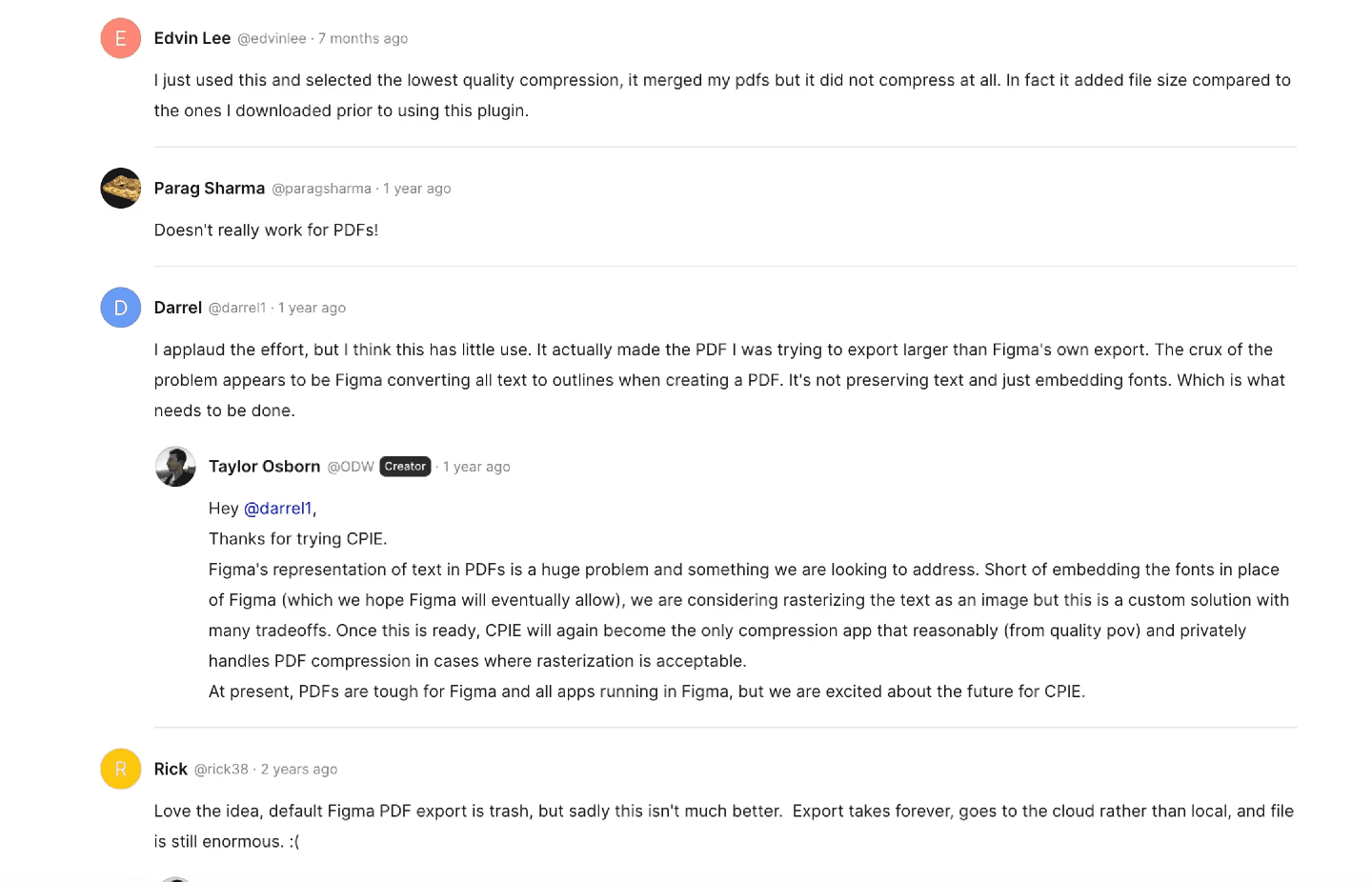
Snippet of some community comments
Development process
The plugin started in Notion, not code: community research, gaps, and decisions structured into a database first. From there I moved into VS Code with Claude as a pair programmer, leaning on plan mode before executing, which cut down wasted iterations considerably.
Sidenote: Switched regularly between VS Code, Cursor, and Antigravity to compare context handling, quality, and overall workflow speed. More on that in a dedicated blog post.
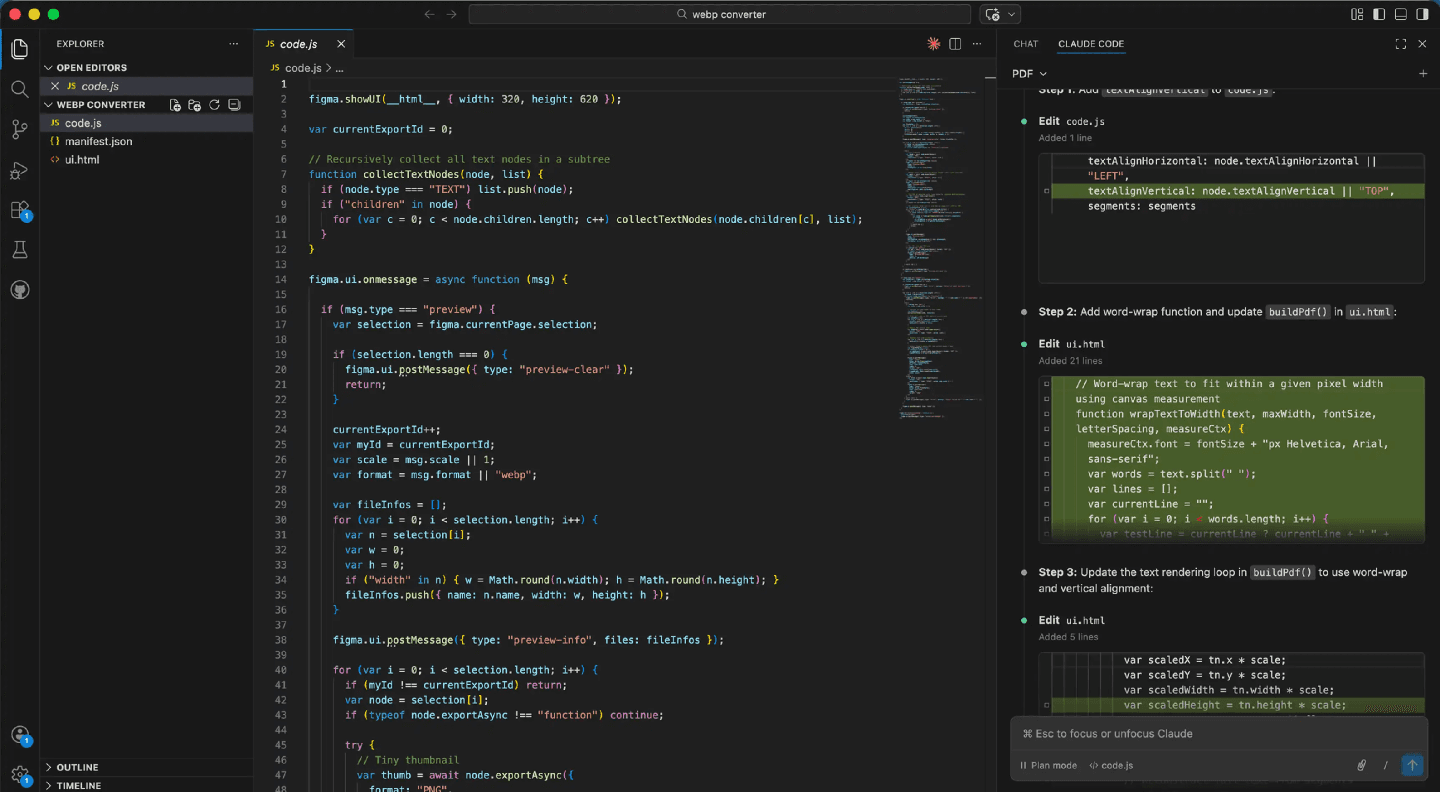
Using Claude Code within Vscode
Improving accuracy
The first version worked but predicted file sizes were off by 2-3x, making the preview feature useless. Through iterative prompting, comparing predicted vs. actual output and feeding the delta back into Claude, I narrowed prediction accuracy down to 2-5% for most images.
Size/image
Low
Med
High

588kb
5.6kb
99.0% reduction
8kb
98.6% reduction
21kb
96.4% reduction

1018kb
29kb
97.2% reduction
56.9kb
94.4% reduction
133.3kb
86.9% reduction

1.85 MB
125.3kb
93.4% reduction
222.1kb
88.3% reduction
395.5kb
79.1% reduction
*Estimated sizes run ~2–5% below actual export size. Accuracy decreases with complex, high-detail frames/images.
Effectiveness at scaling images
Faster performance and UI polish
Multi-select exports introduced noticeable lag, so I found and removed the bottlenecks in the pixel-reading logic. With performance stable, I focused on the interface: a quality slider, real-time compression previews, and a layout that makes the quality-vs-size tradeoff visible at a glance.
End result
WebP export became the part of the plugin I use every day, with predictable compression and a real-time file size preview. PDF export is still being refined. Estimated production cost was around $3-5 in Claude usage, roughly a fifteenth of a monthly subscription, for a tool I now use daily and fully own.



Interactive demo
Key takeaways
Notion as a product management backbone: community research, feature prioritization, and gap analysis structured before any code existed.
Treat Claude like Kirby: specific console/log exports lead to concrete fixes, vague descriptions lead to vague suggestions.