On this page
Built with
Notion, Claude, Cursor/Vscode
Downsize Figma Plugin
Overview
Context
I export a lot from Figma and my go-to compression plugin to do this is Compressed PDF and Image Exporter, but it caps free exports at 40/month. I tend to test images consistently and will have many versions with tiny details changed to test effectiveness so I blew past that limit quickly every month. Then, recently I had to also export a client pitch deck with lots of customs assets and the default Figma export was 60 MB, and my go-to-plugin got it to 32 MB. Far too large to send around. At $6/month after those 40 exports, and a pdf compression doesn't satisfy, I needed my own solution. So I went ahead and built my own with Claude and VS Code.
Feedback research
Before writing code, I mapped the existing plugin's community feedback to understand what worked and what did not.
What users valued: local compression with no server uploads, page reordering for multi-page PDFs, and solid compression quality for image-heavy content.
Where it fell short: no custom scaling options (only recently added after repeated requests), absent file size previews, inconsistent compression regardless of quality settings, and the subscription model.
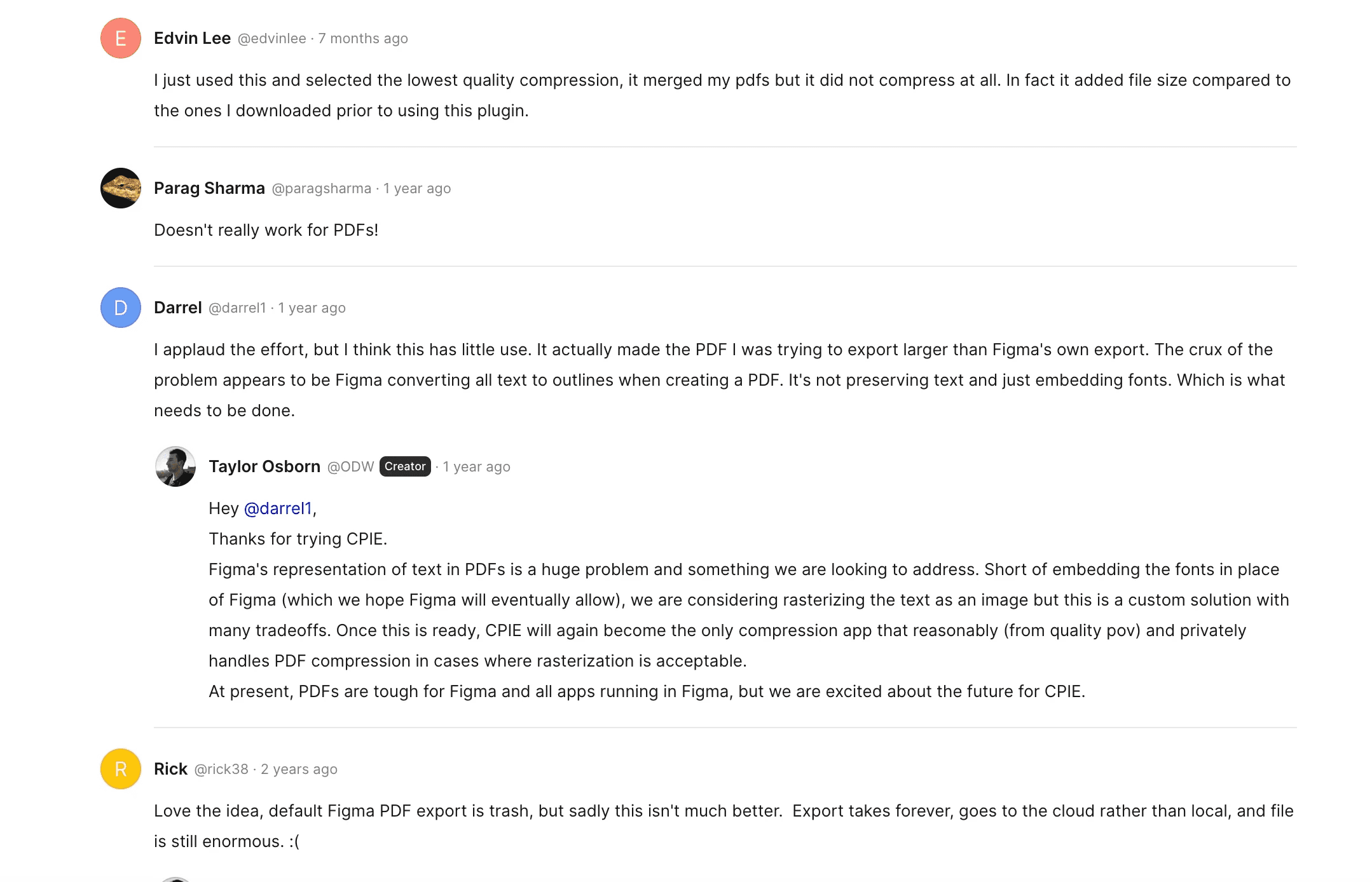
Snippet of some community comments
This gave me a concrete feature target list. The goal was not to build a competing product. It was to solve two specific workflow problems better and cheaper.
Development process
Planning…
The plugin started in Notion before it started in code. I treated it like product planning: community research structured into a database, informed decisions documented, functional gaps mapped. This frame of reference made every development decision faster because I already knew what was missing and what mattered.
From there, I moved into VS Code with Claude as a pair programmer. I leaned heavily on Claude's plan mode rather than jumping straight to code. Describe the desired outcome, let Claude map an approach, then execute. This planning-first workflow made a measurable difference in output quality and reduced wasted iterations.
Sidenote: Switched regularly between VS Code, Cursor, and Antigravity to compare context handling, quality, and overall workflow speed. More on that in a dedicated blog post.
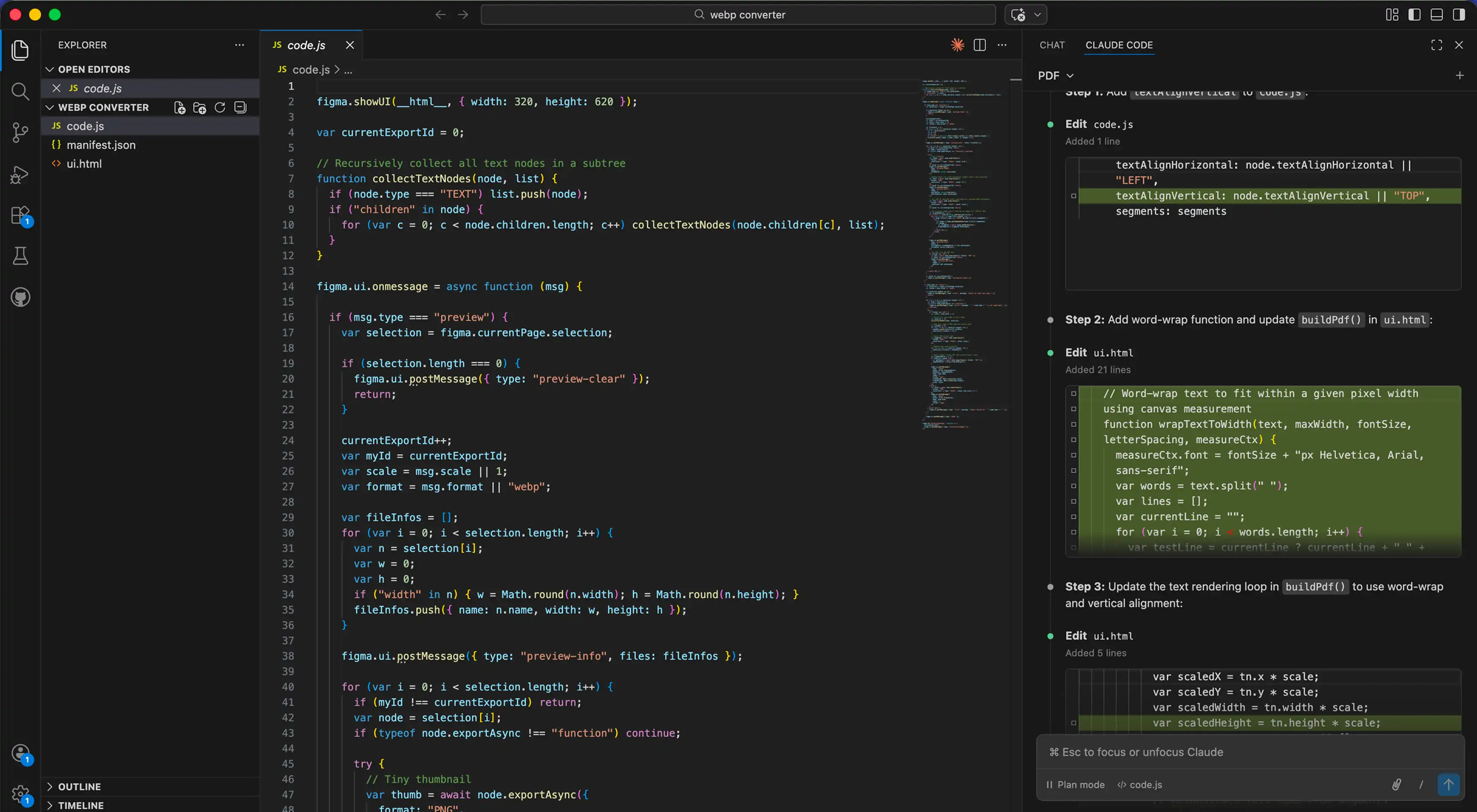
Using Claude Code within Vscode
80/20
A theoretically bare-minimum usable plugin existed within 1 hour. WebP export was functional. PDF export sort of worked. In principle, I could have stopped there.
With AI now, the first 80% is the easy part. The remaining 20% is where effort increases massively: refinements, edge cases, optimization, polish. That last stretch is what separates a quick prototype from something you actually use every day. Since I will use this often, I want to invest the time to make it better. And since I will also publish it (sorry about that Compressed PDF & Image Exporter), I want to make sure it's in tiptop shape.
Improving accuracy
The first version had working exports but wildly inaccurate file size predictions. Off by 2-3x in some cases. The preview feature, the key differentiator for the plugin, was useless. If the predicted file size says 12 KB but the actual export is 30 KB, the preview is just a gimmick.
Through iterative prompting with Claude, I narrowed prediction accuracy from 2-3x variance down to 2-5% for most images. The approach was methodical: export, compare predicted vs. actual, feed the delta back into Claude, adjust the calculation logic, repeat. Slightly less accurate for larger files, but the difference is manageable and does not require immediate fixing.
Size/image
Low
Med
High

588kb
5.6kb
99.0% reduction
8kb
98.6% reduction
21kb
96.4% reduction

1018kb
29kb
97.2% reduction
56.9kb
94.4% reduction
133.3kb
86.9% reduction

1.85 MB
125.3kb
93.4% reduction
222.1kb
88.3% reduction
395.5kb
79.1% reduction
*Estimated sizes run ~2–5% below actual export size. Accuracy decreases with complex, high-detail frames/images.
Effectiveness at scaling images
Faster performance
Reading canvas data and image information was extremely slow, especially for bulk operations. Exporting a single frame was fine, but selecting five or ten frames for batch export introduced noticeable lag. The original code worked but used inefficient patterns for reading pixel data and calculating dimensions across multiple selections. A plugin that freezes on multi-select is a plugin that gets uninstalled FAST. So, I identified the bottlenecks, removed them and improved the performance.
Fixing the UI
With functionality and performance stable, I focused on the interface. Quality adjustment slider, real-time compression previews, clean layout. I tested several approaches for surfacing the compression data: inline text, progress bars, side-by-side comparisons. Settled on what felt most intuitive and required the least cognitive load. The goal was to make the quality-vs-size tradeoff visible at a glance, not buried in numbers. And to give a bit of personality.
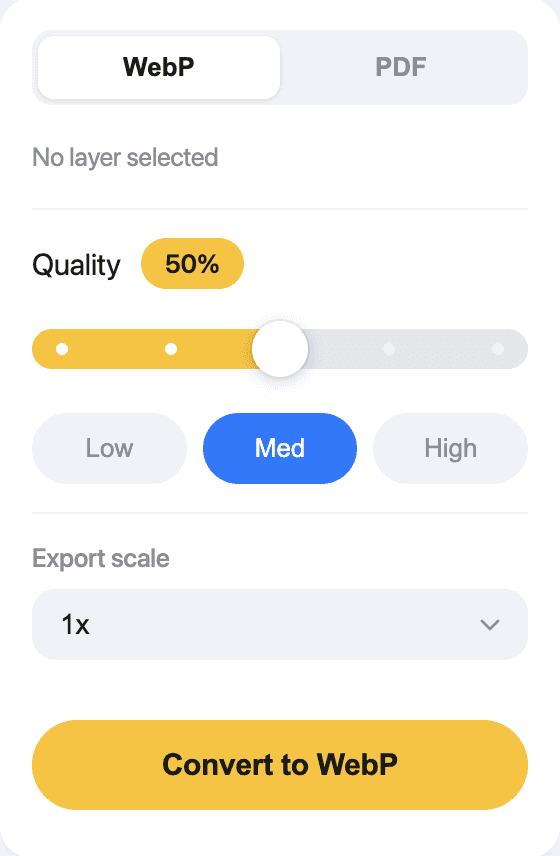
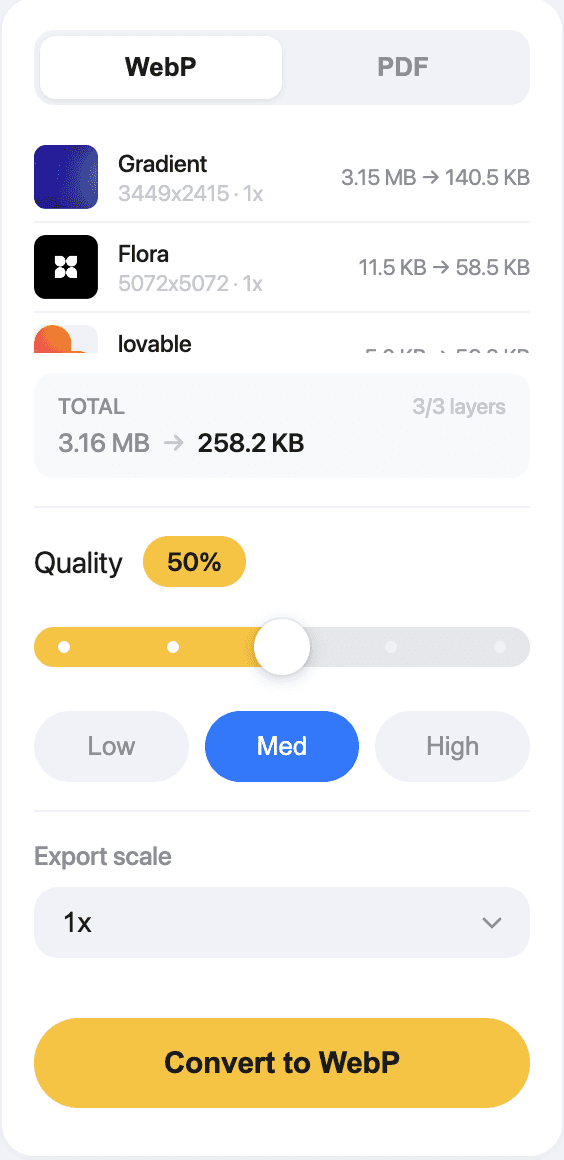
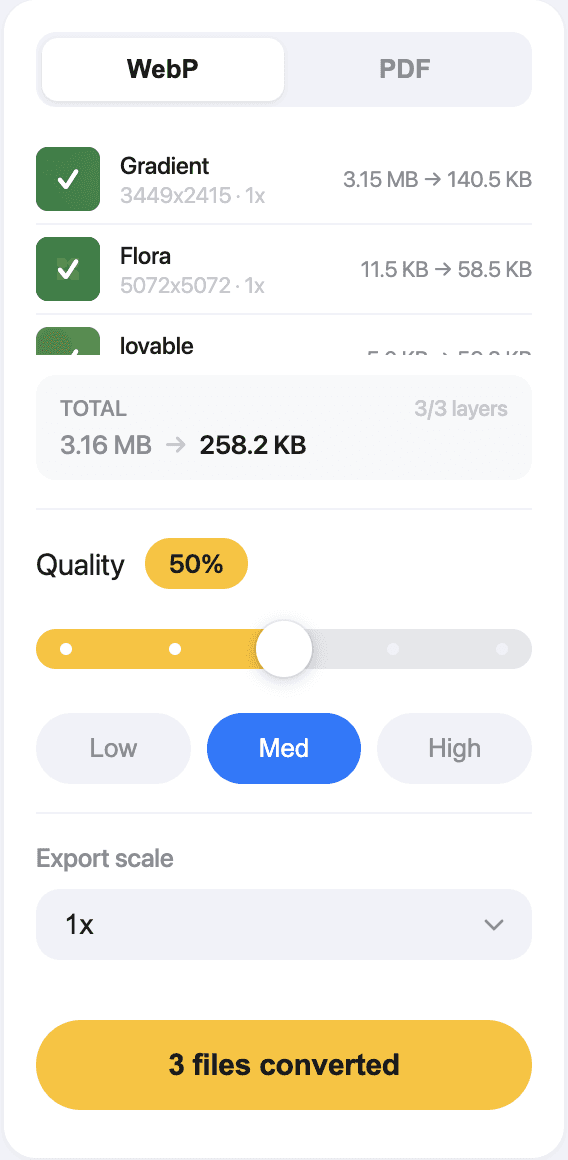
UI look with different states
Summary
End result
The WebP export became the immediate win for me. It is the part of the plugin I use every single day. Compression scales predictably with quality settings, and the real-time file size preview gives direct visibility into what is happening. PDF export is still being optimized, with text selectability and further compression improvements in progress, but the WebP side alone justified the effort.
Cost breakdown: I use Claude at $20/month for multiple purposes, not just this plugin. With that in mind, if you were to calculate actual production cost for this project it would be roughly $3-5 (two days out of a 30-day month, or about 1/15th of the subscription) if I value my time at $0. If I define a weekend of vibe coding as amusement then I even saved money. All joking aside, the benefit to me of having one less subscription and being able to tweak, expand and learn from this is massive.
Below is a quick demo of the downsize plugin at work.
Short demo
Key takeaways

Notion as a product management backbone.
Community research, feature prioritization, gap analysis, all structured in a database before any code existed. Every development decision was informed by documented research, not assumptions.

Treat Claude like Kirby.
The single biggest efficiency gain in the process: instead of telling Claude "something went wrong," Be specific and provide console/log exports. Concrete inputs led to concrete fixes. Vague descriptions led to vague suggestions. AI is only as smart as the context and the info it has, utilize that to th emax.